
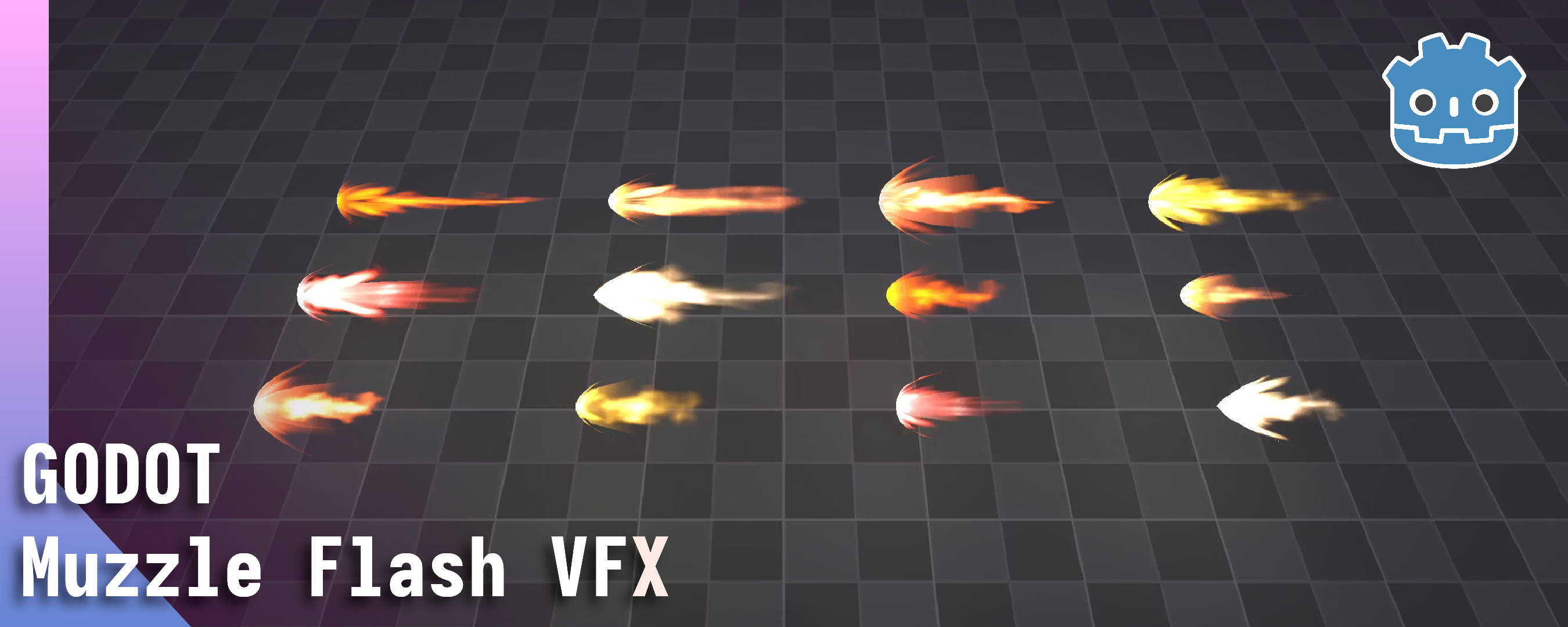
Muzzle Flash VFX - Godot 3D
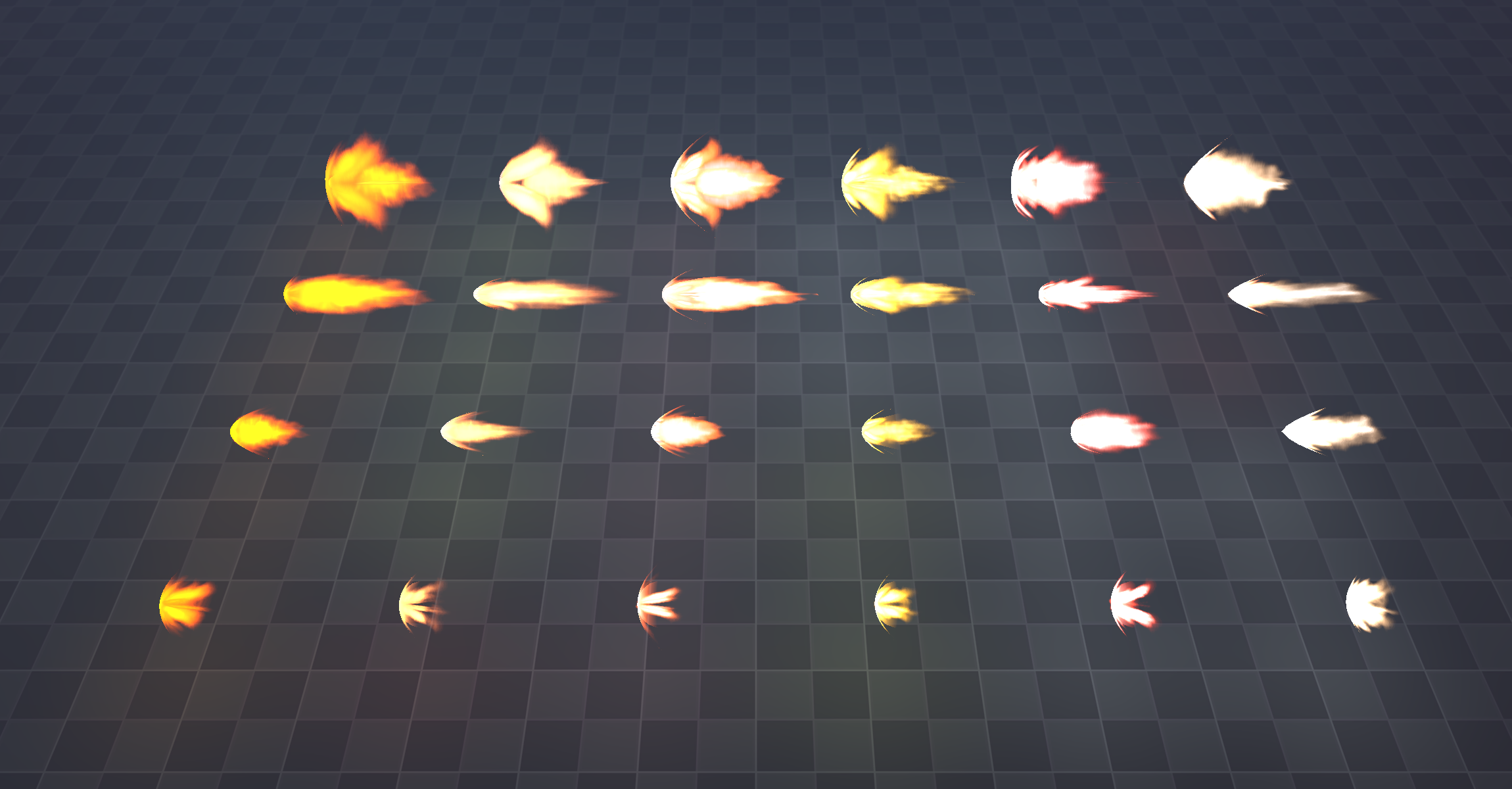
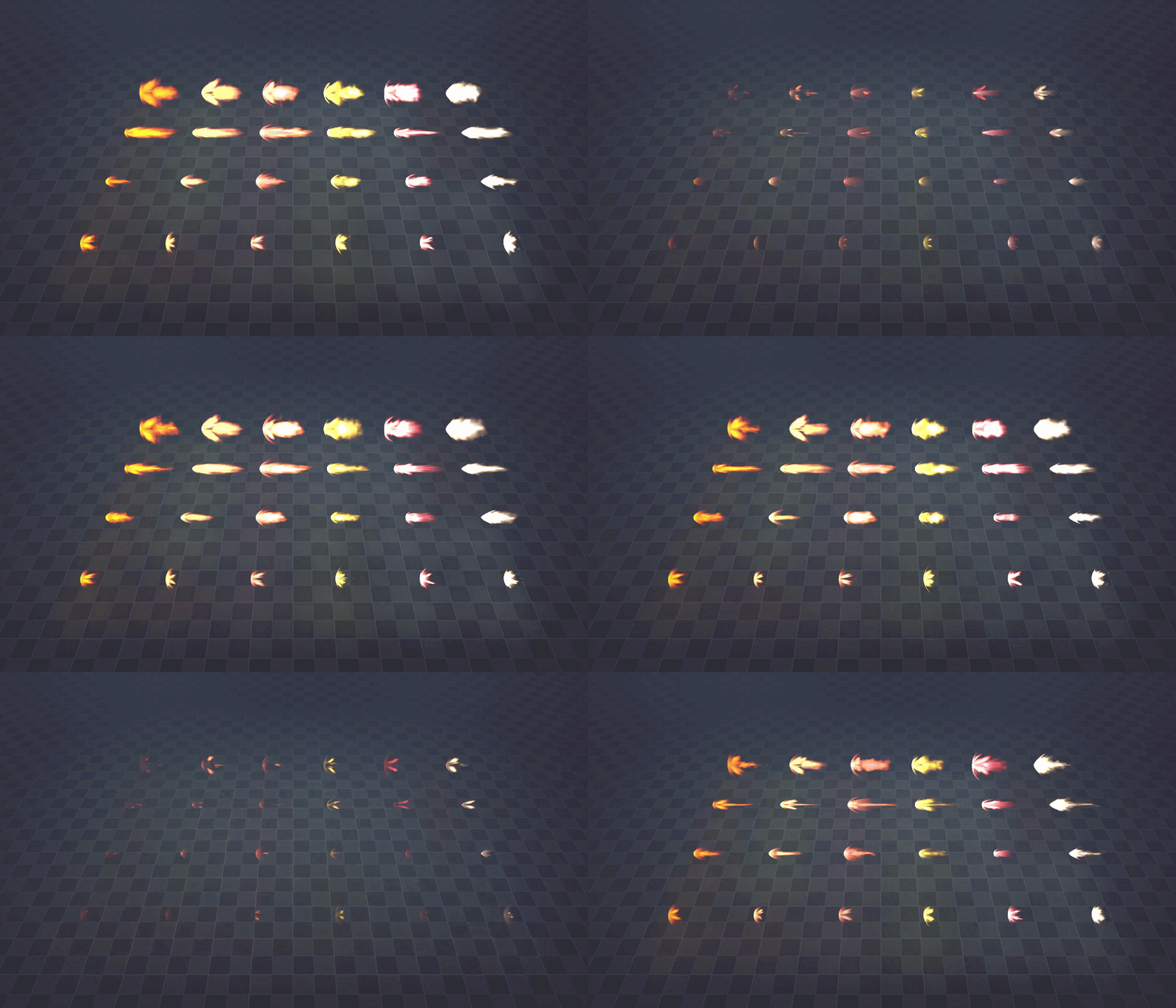
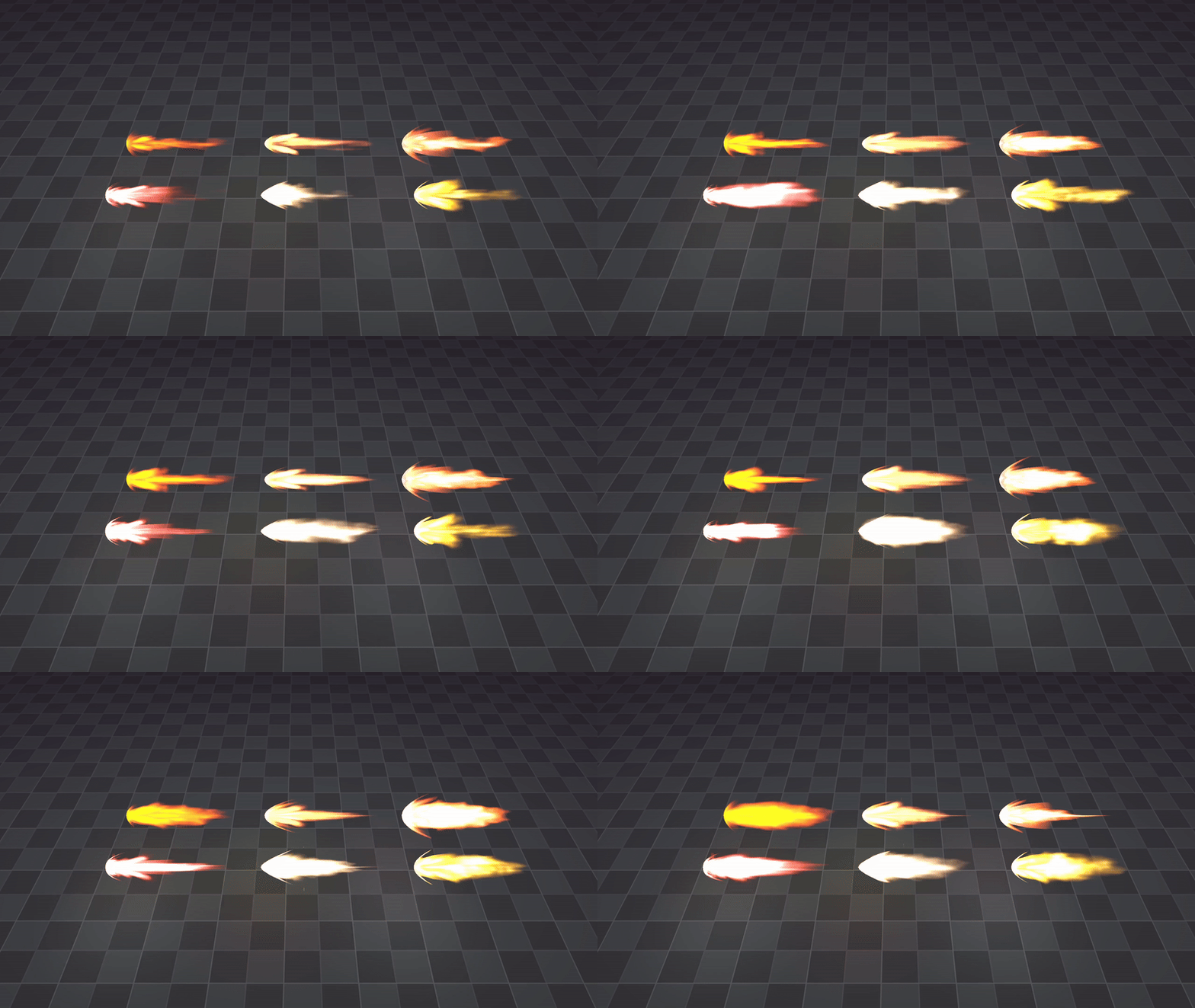
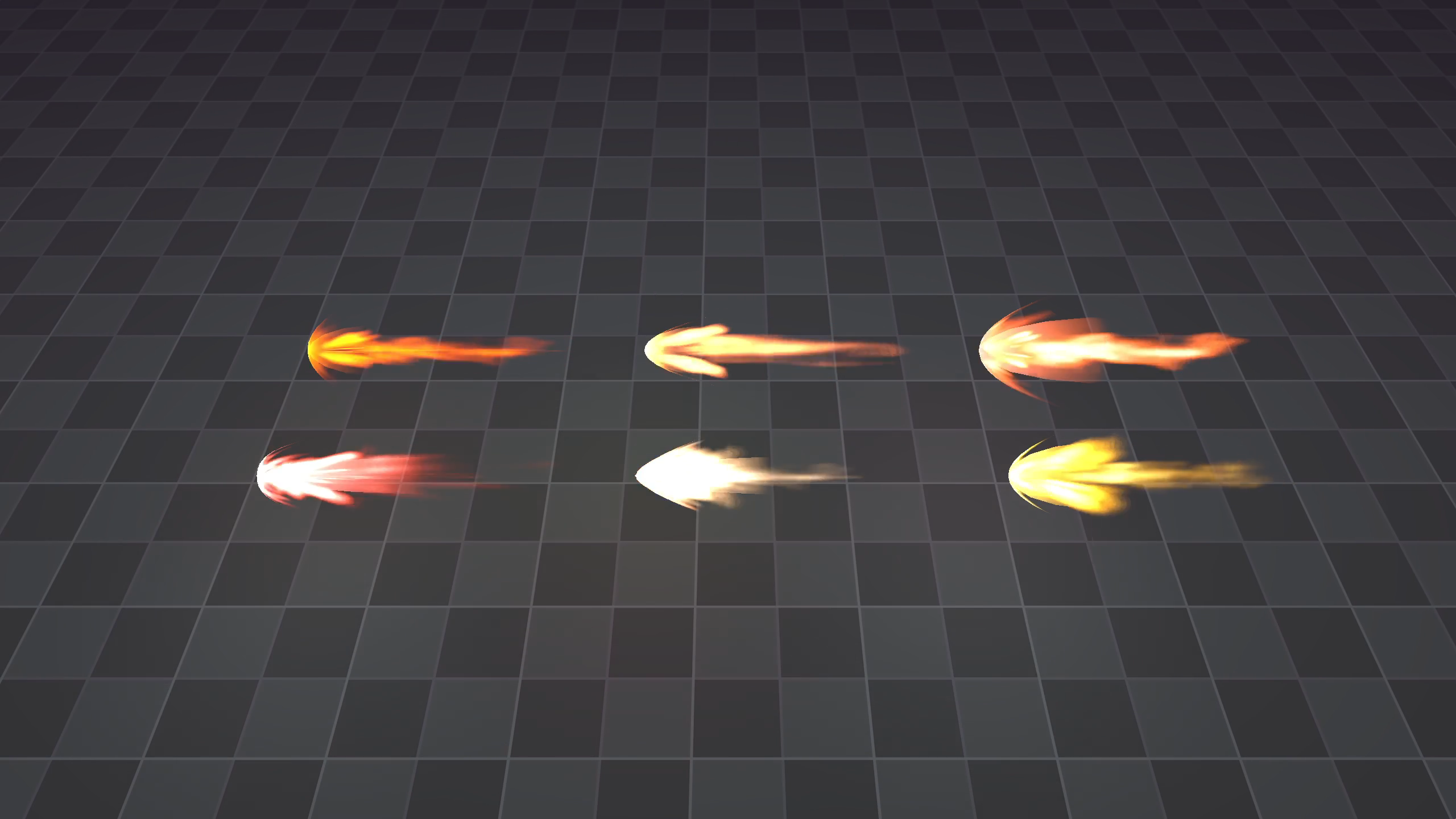
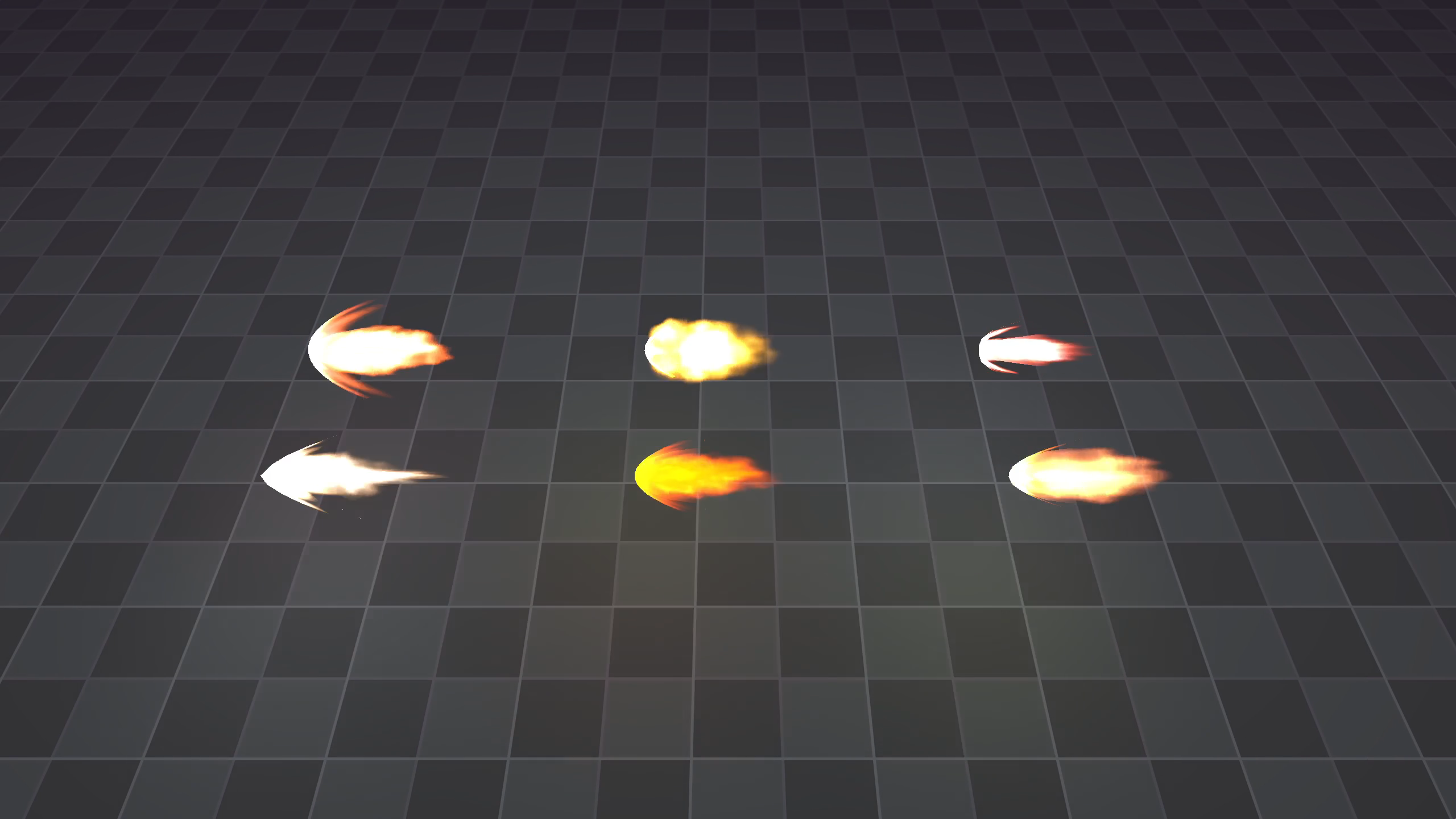
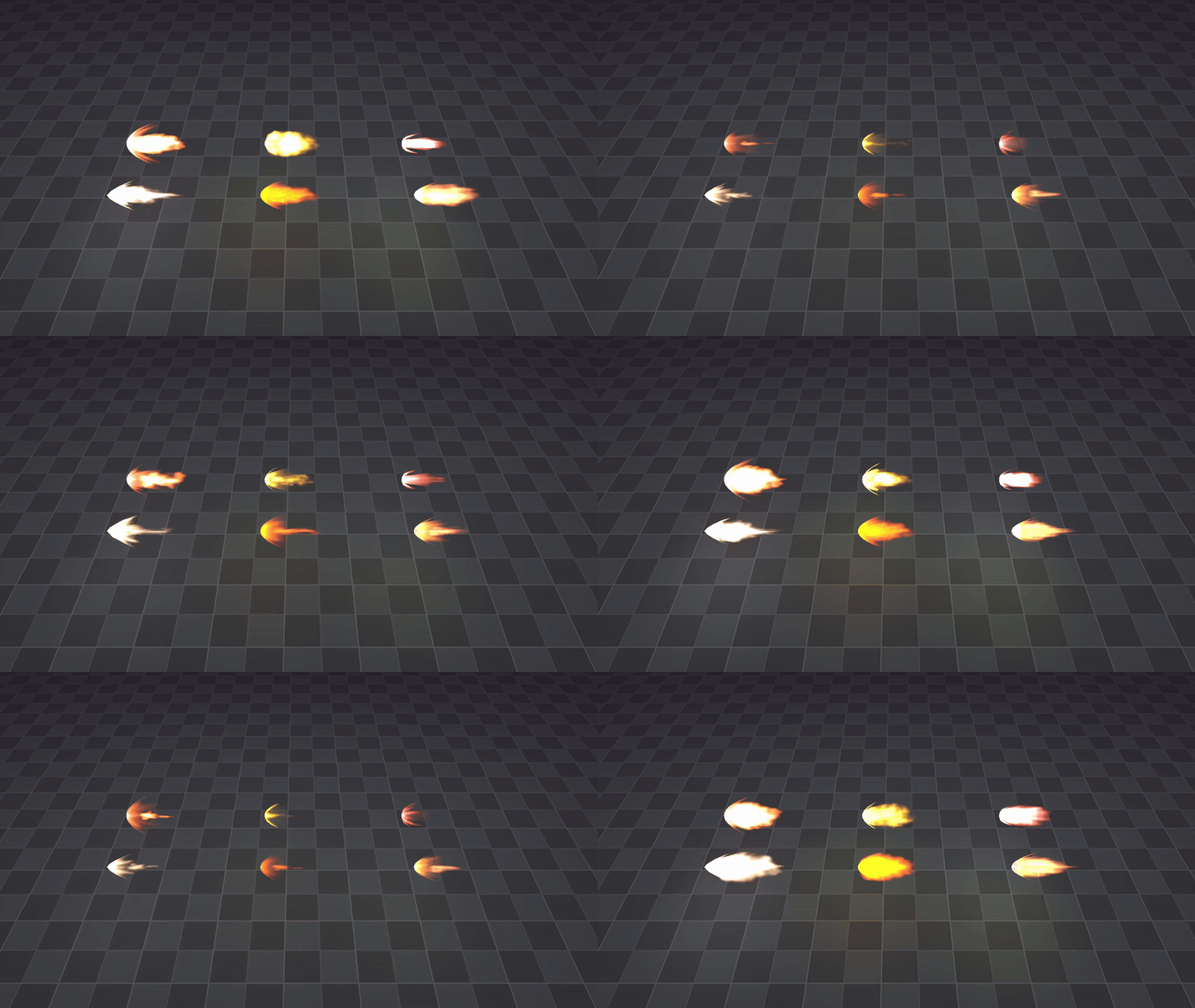
Make your weapons pop. These 24 flash effects are perfect for any weapons. Guns, cannons and even tanks. And they're completely free <3. Made for Godot 4.x
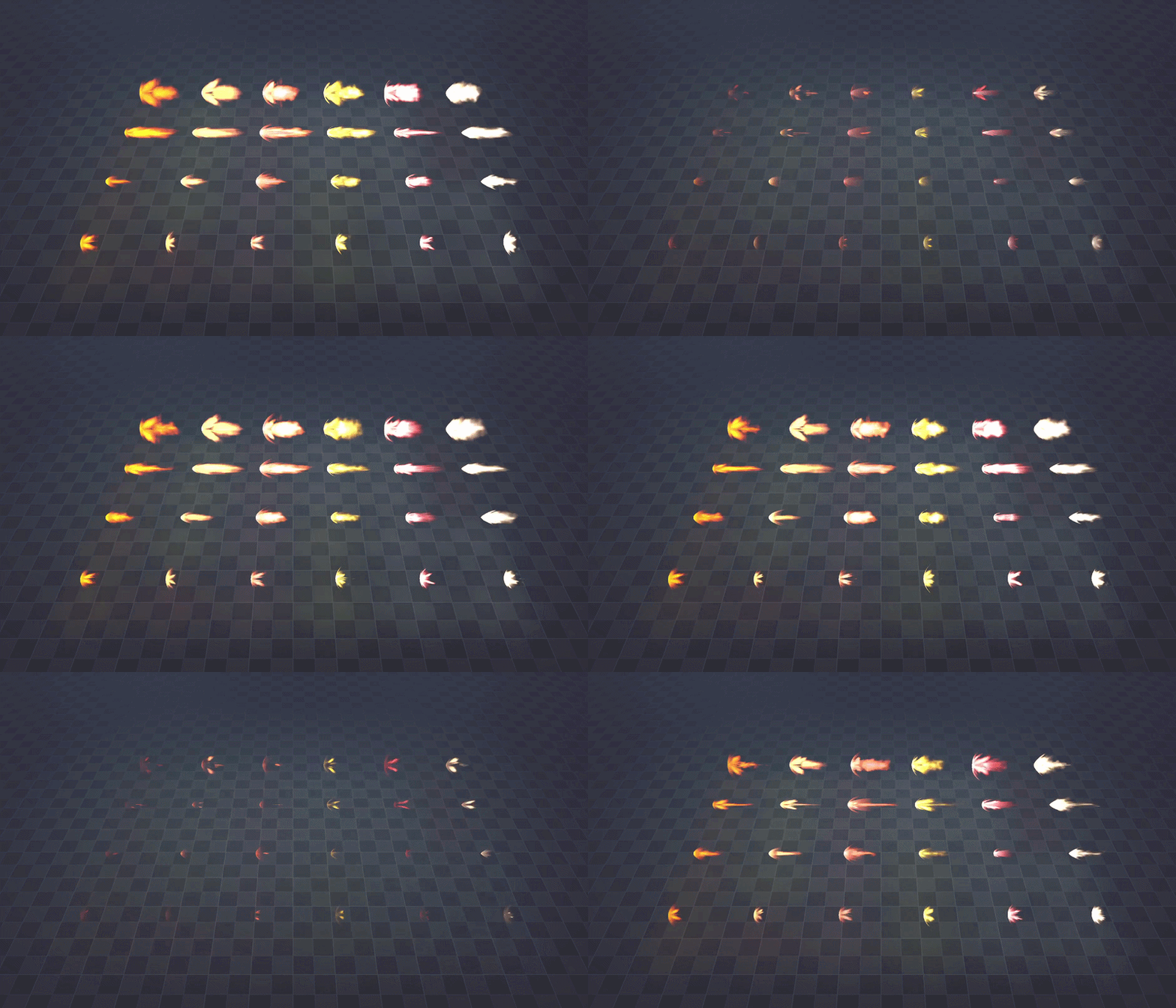
Included effects
- 6 Medium flashes using different textures
- 6 Small flashes with different textures
- 6 Very small flashes with different textures
- 6 Big flashes with different textures
- 12 Textures, All the materials and all the shaders used to make these.
Customizability
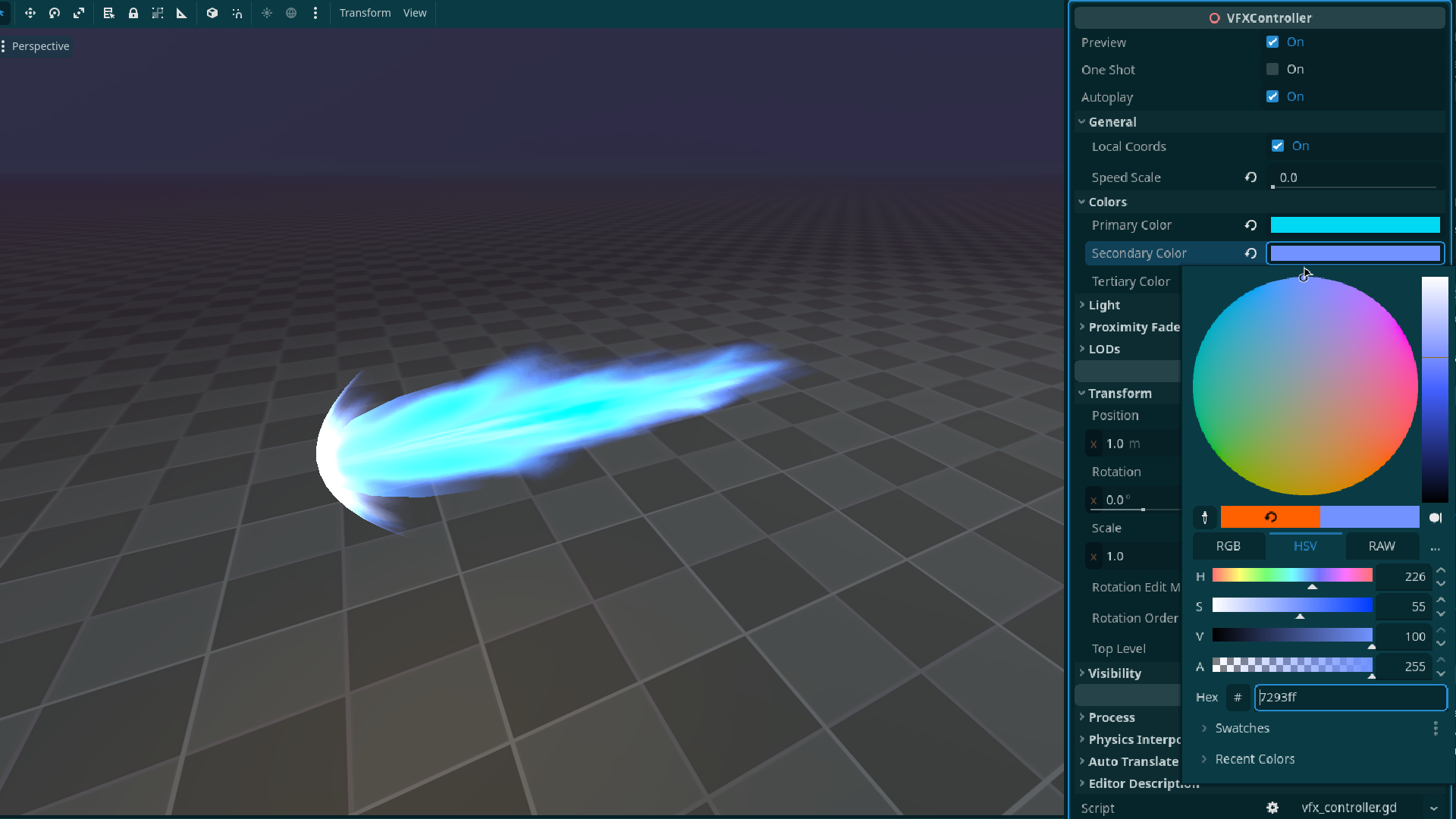
All effects come with a tool script that allows you to easily customize the effects to your liking directly in the editor.
- Easily change the color of effects
- Adjust the light emitted by the effects
- Enable and tweak proximity fade
- Adjust the speed of effects
- Set one shot and autopla
Levels of Detail
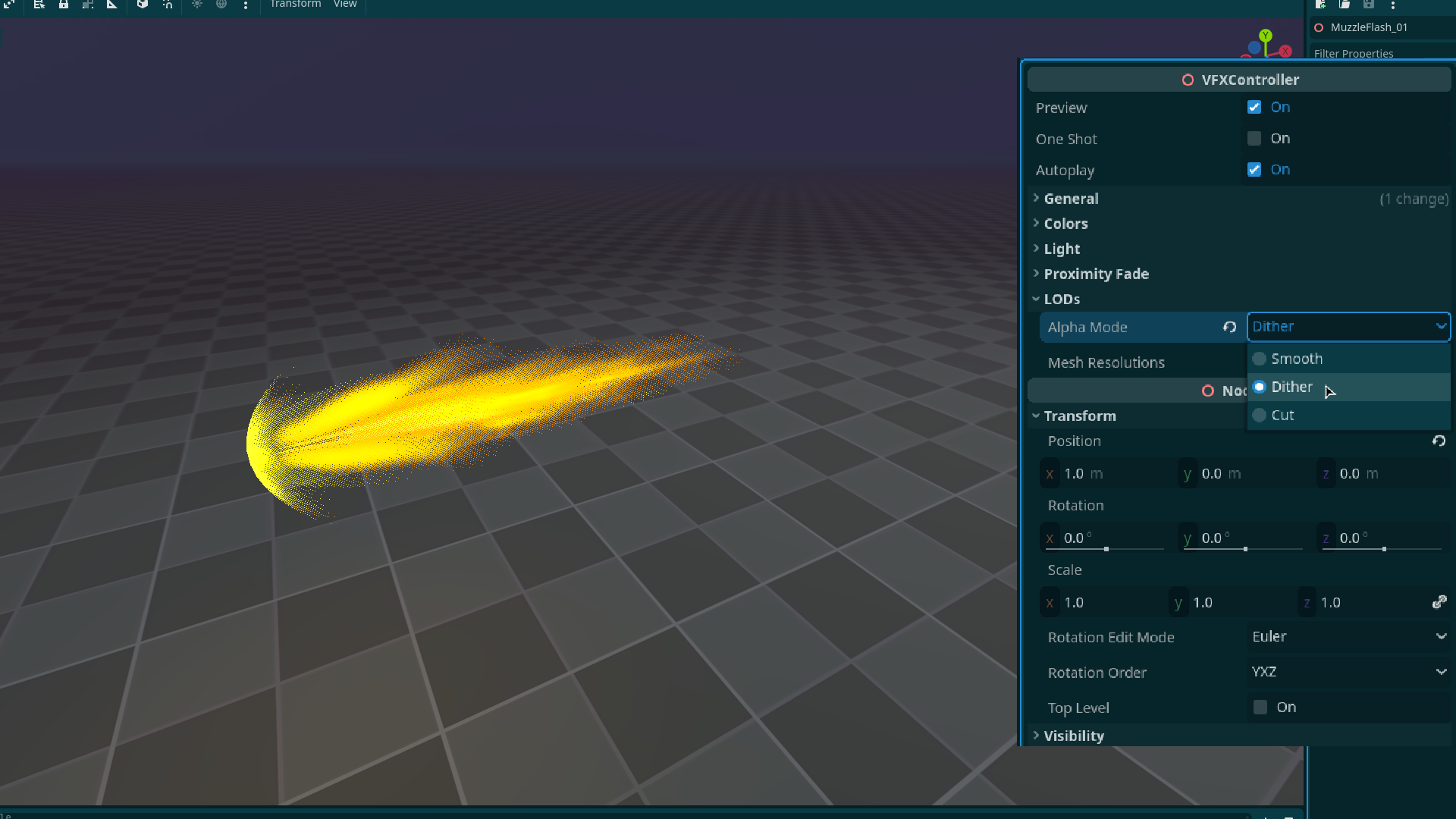
The effects also include the possibility to optimize further by tweaking the levels of detail within them.
- Adjust resolution of meshes in an effect.
- Change how transparency is handled with 3 options
- Smooth: Smooth edges in effects. Most demanding.
- Dithered: Dithers the alpha channel. Less demanding, but can be very visible on some effects.
- Cut: Hard edges. Most performant.
Licensing:
You're free to use this pack for personal, educational and commercial projects with no attribution required (CC0)

Goes Perfectly with this pack:
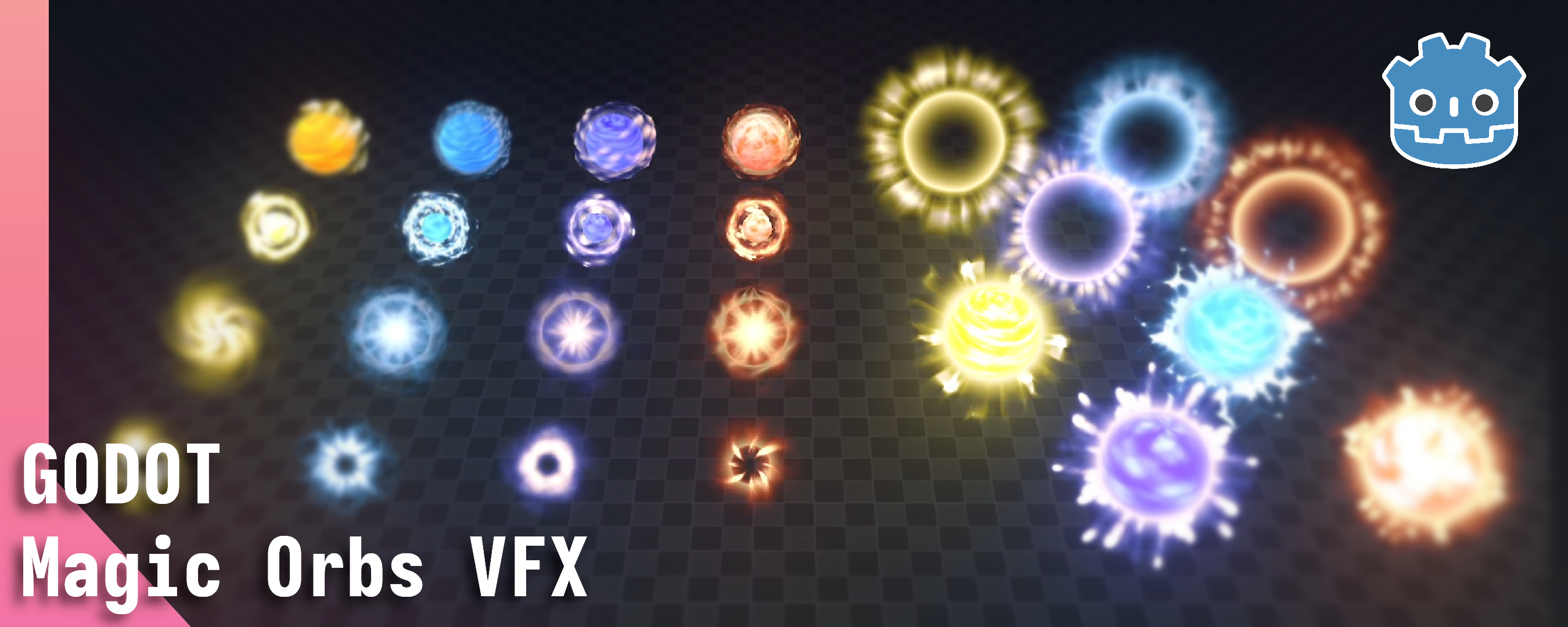
Download
Get this asset pack and 26 more for $35.00 USD
Click download now to get access to the following files:
Development log
- (Update 1.4.1): Fixed OneshotMar 29, 2026
- Added Preview VideoMar 12, 2026
- (Update 1.4): 12 New Muzzle FlashesMar 02, 2026
- (Update 1.3): Bringing Effects Up to DateFeb 04, 2026
- (Update 1.2): Fixed ExportJan 31, 2026
- (Update 1.1): Compatibility With Other PacksJan 29, 2026
- New Release: Free Muzzle Flash VFX Godot 3DJan 23, 2026
Comments
Log in with itch.io to leave a comment.
Hello!
I loove thoses VFX! But I have an issue, since the animation update the shader of the glow mesh directly it update every glow mesh of every instance of the same VFX at the same time. I either have to duplicate the material or modify the shader and the animations to use an instance uniform.
Is there something I missed?
Same problem here, not sure how to fix it :(
the bad and quick solution is to make the materials local to scene in the VFX scenes. The good one is to modify the shader to use instance parameters, then update the code of the controller to use thoses instance parameter and then update all the animations to animate thoses same instance parameters.
I have the same issues with the others packages from Binbun, they're not quite production ready sadly. But it cut a big chunk of work!
Ah, thanks for your response, I managed to solve it. At first I wasn't sure how to interpolate the instance shader paramaters but they can be keyframed in the animation player just as any other variable in Godot, simple enough. Thanks!
Can use this for my dimensions and for my game thank you
Yes you're free to use it for tour game
Great job you to your hardest
These are excellent and super high quality. Thank you for sharing!!! Only problem is that they do not actually work in my game. The preview and one_shot export variables in VFXController get reset to the default at runtime. I was able to fix this by slightly adjusting the code for both variable setters:
@export var preview: bool = true: set(value): preview = value if Engine.is_editor_hint(): if one_shot && value == true: preview = false play() elif value == true: play() @export var one_shot: bool = false: set(value): one_shot = value if Engine.is_editor_hint(): preview = falsethank you! I'll include a fix in the next update
Are there any videos or gifs? (Sorry if i’m missing something obvious!)
Some of the images in the sidebar should be working gifs. The inline images within the text should also be gifs but I've been having issues with them not playing on some of my pages.